
How it works
Three steps and you're done.
Set it up in an evening, put the signs on the tables, and let your guests do the rest. Nothing starts counting until the day you choose.
Step 1
Set up your stash.
Name it, claim your link, and make it look like your day. This is the page guests land on the second they scan.
- Pick an accent color and a design template
- Add the date, the venue with a map, the schedule, and the dress code
- Write a welcome note, and add any custom sections you want
Setting up is free, and there's no clock running. Take a week or take a year.
Step 2
Print your signs.
Design table cards, letter signs, 18×24″ welcome signs, and take-home cards right inside PicStashio. Your QR code and your colors are already on them.
Preview, then save a print-ready PDF for your printer or the copy shop. No Canva skills required.
Step 3
Go live on your date.
Uploads open on your activation date. It defaults to the event, and you can move it earlier if you want guests sharing before the day. That date also starts your 1-year upload window.
From then on, photos and videos land at full resolution in your gallery, seconds after they're taken. Photos show on the big screen too.

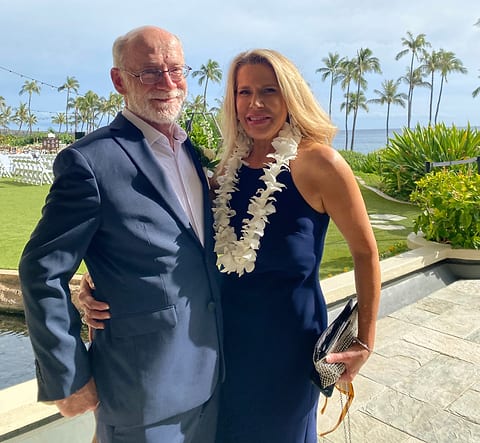
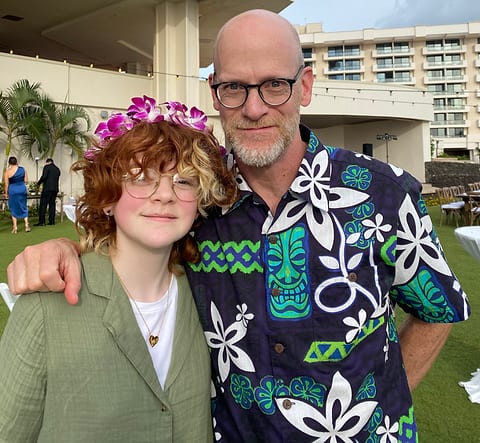
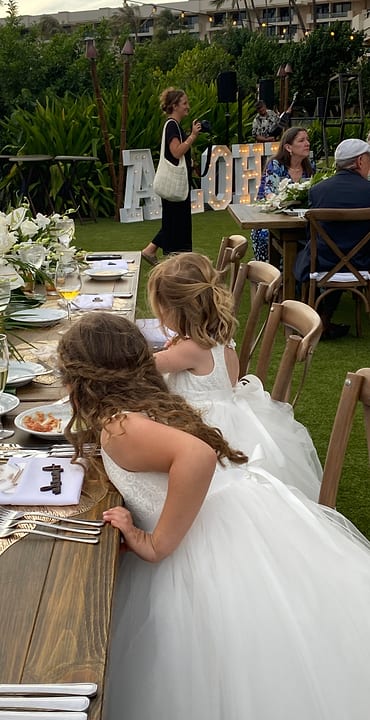


What your guests do
Scan. Name. Upload. That's it.
No app to download and no account to make, so the people who never finish a sign-up form still end up in the gallery.
- 01
Scan the code
On a table card or a welcome sign. The phone's camera does it. No app store.
- 02
Land on your page
Your names, your date, your colors. Not our branding.
- 03
Type a first name
So their photos are credited. That's the whole sign-up.
- 04
Upload
Photos and videos, straight into your private gallery.
The timeline
When the clock starts, and when it doesn't.
Before
Build it
Take as long as you like. Set up the page, print the signs, share the link. Nothing is counting yet.
Your date
Activation
Defaults to your event date. Move it earlier if you want guests uploading before the day.
1 year
The upload window
Guests upload, the gallery fills up, and the slideshow runs. Family can keep adding and browsing all year.
After
Keep the archive
We email you before the window ends. Download the full-quality archive and it's yours for good.
After the wedding
Everything, in one download.
Download the archive
One zip, full resolution, uncompressed. On Snack, it's your first 75 uploads. On Feast, it's every single one. Either way, the files are yours to keep.
We'll remind you
Guests and family can keep adding and browsing for the whole year. Before the window ends, we email you so you have time to download everything.
What happens after the yearSet it up tonight. Decide on the plan later.
Snack is free and doesn't ask for a card. Build the page, print the signs, and see the whole thing working. Upgrade to Feast when you want every upload, for $49 once.
- No card for Snack
- One payment, never a subscription
- 14-day money-back guarantee